
How to Delete Your Data from Zabon
You can permanently delete your account and data as follows:
- Open the Zabon app.
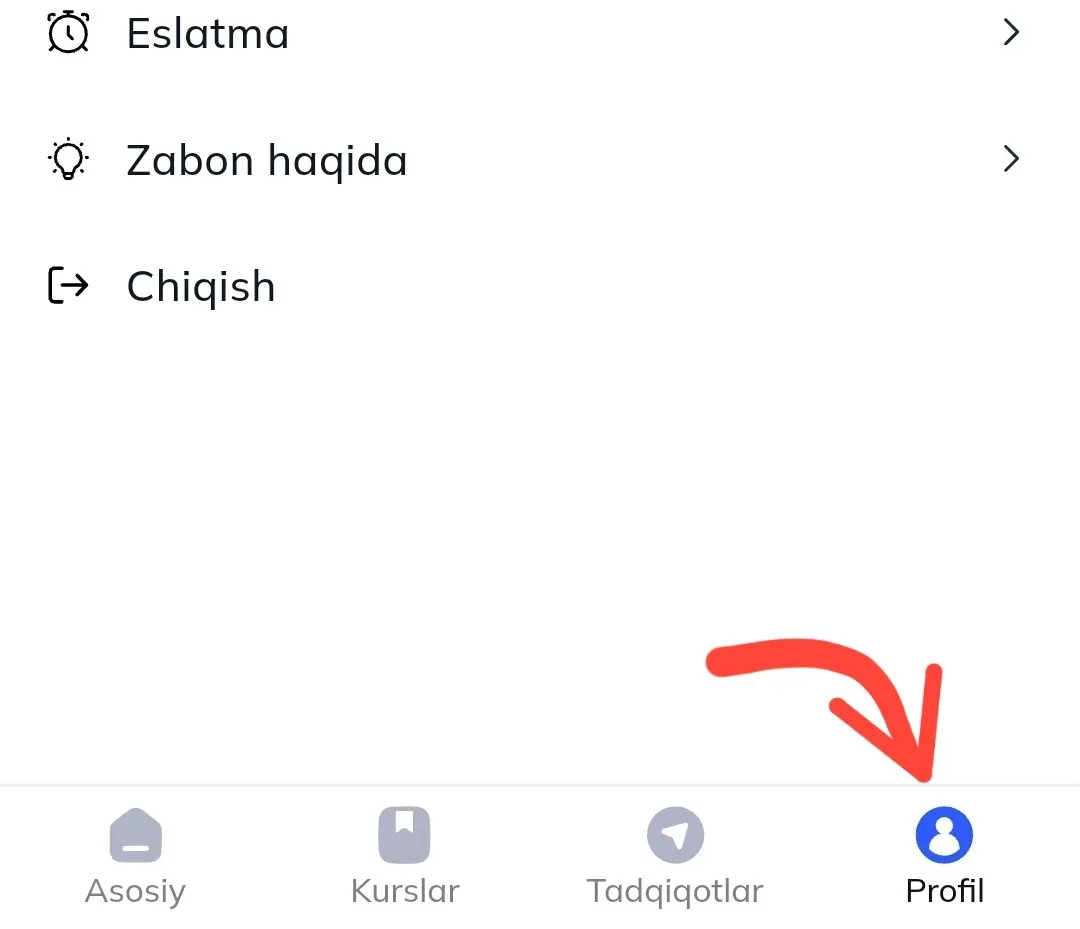
- Tap the Profile menu on the bottom navigation bar.
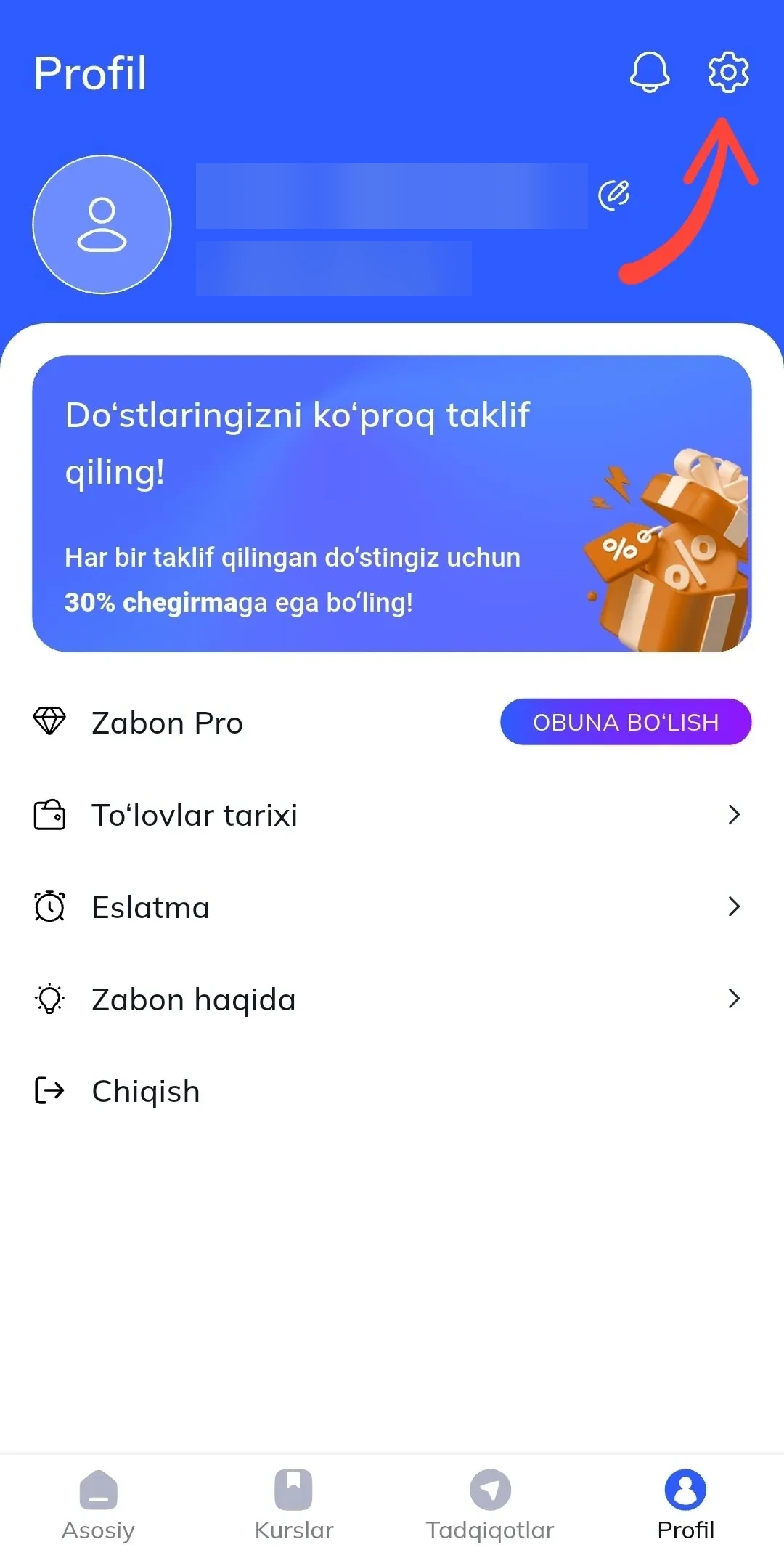
- Tap Settings (top right corner).
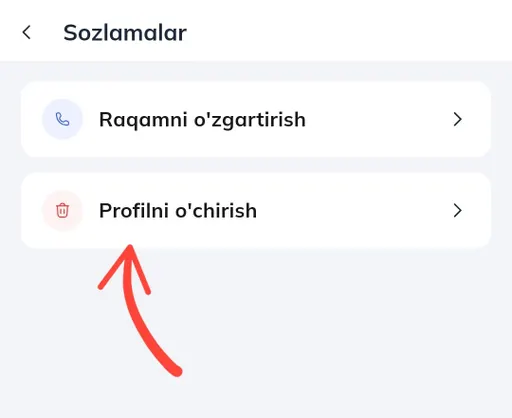
- Select “Delete My Account” and confirm
All your personal data will be deleted from our servers. If you cannot access the app, email us at dev.zabon.app@gmail.com with your registered phone number or Telegram account. We will process your deletion request within 7 business days and confirm via email.